6DOF Mouse - six degrees of freedom manipulator for PC - GTIN 5906601652202
Description of the solution
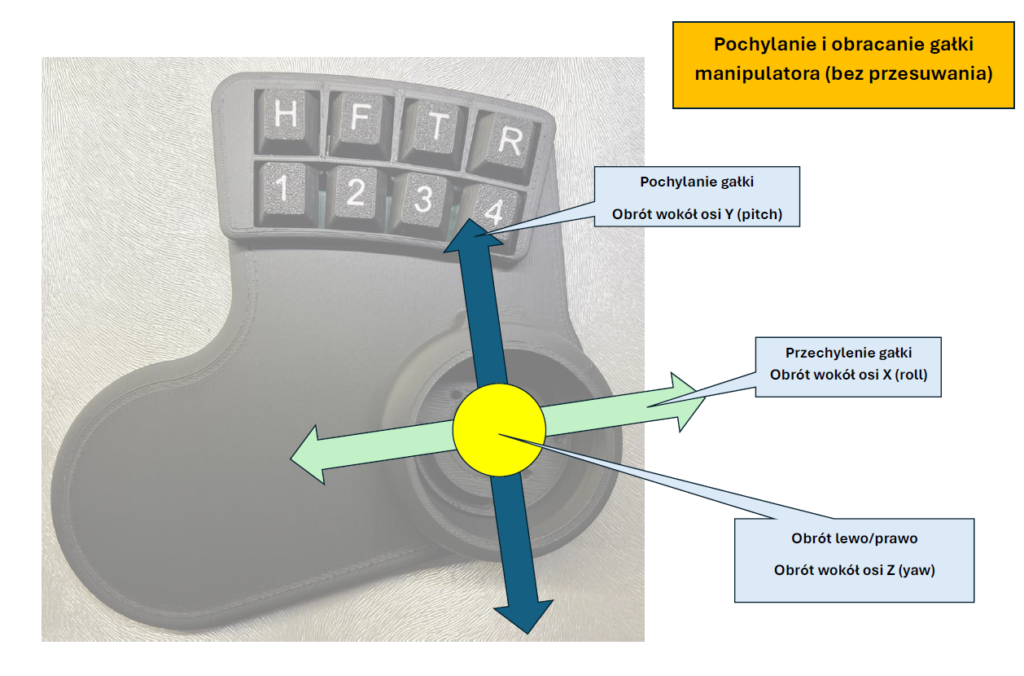
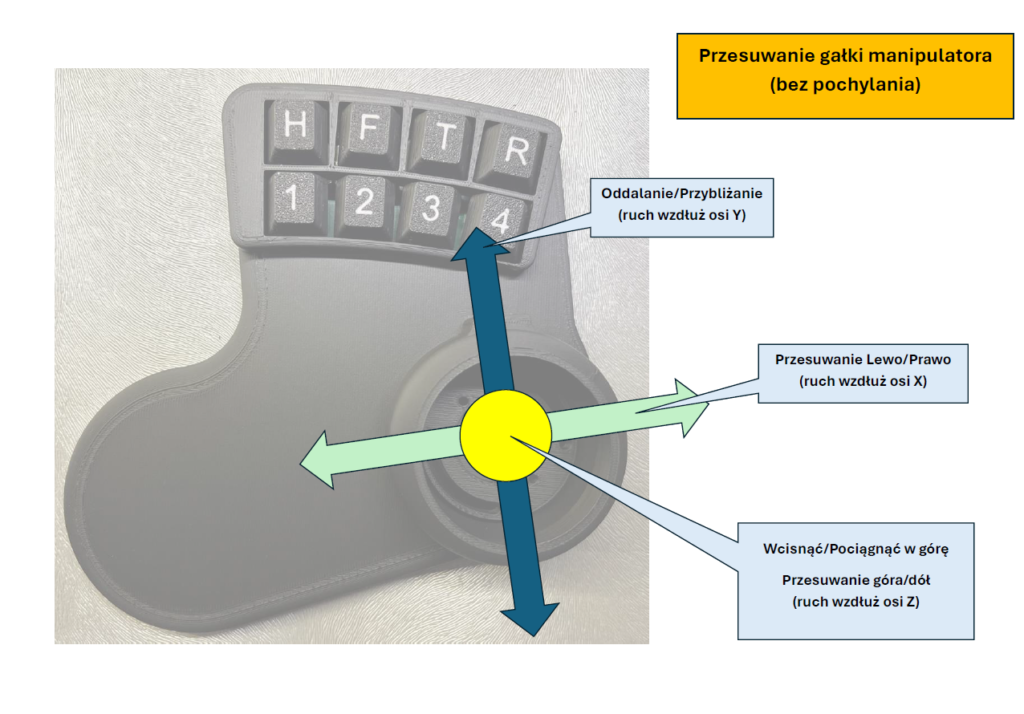
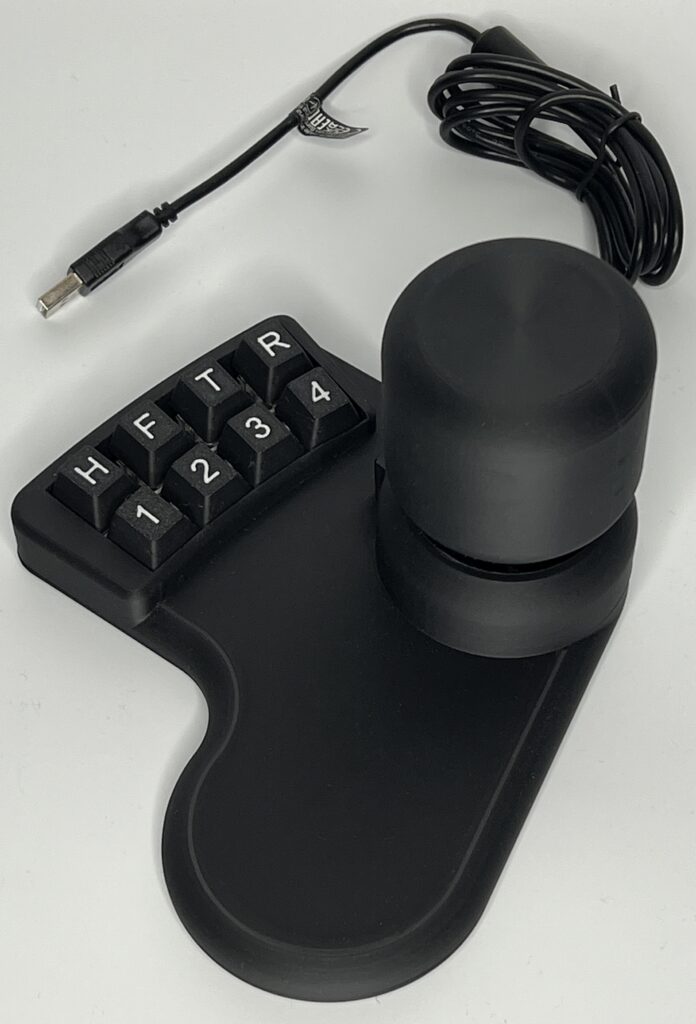
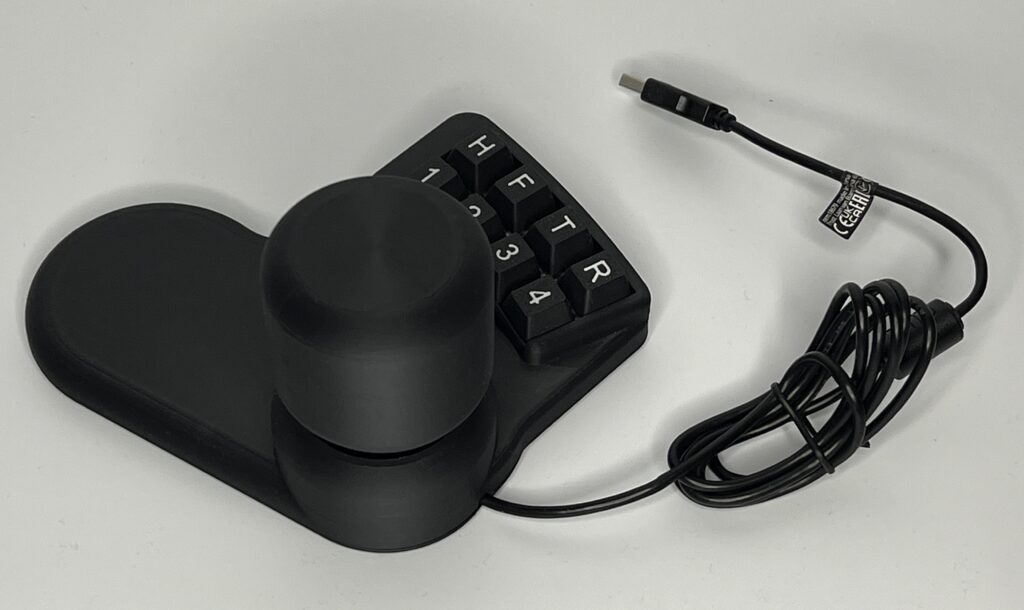
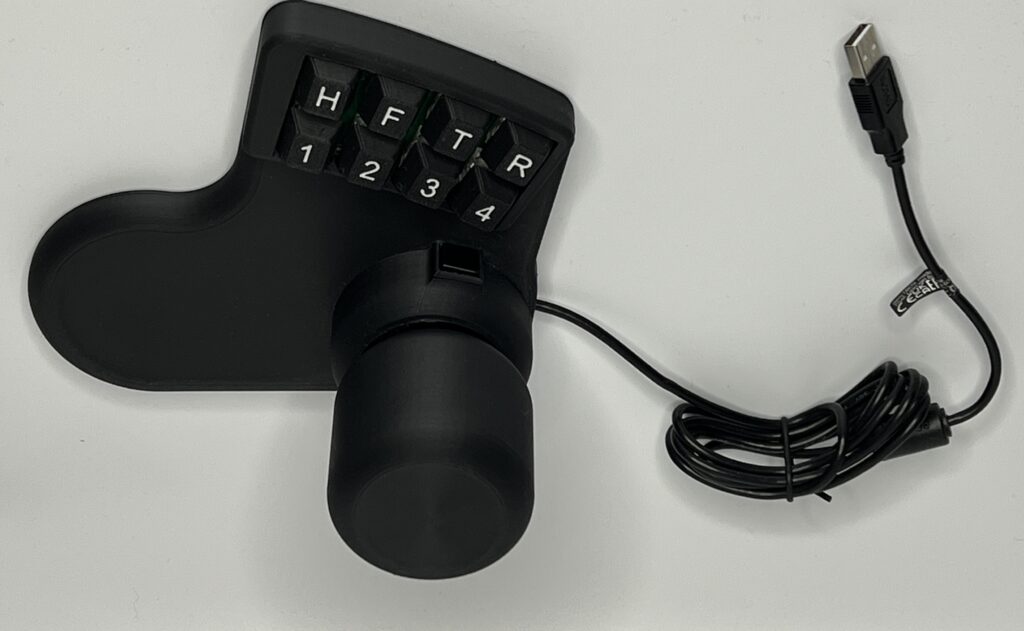
A 6-axis manipulator enabling control, among other things, of the display on the screen. It allows for rotating an object/image around the X, Y, and Z axes, as well as moving the object/image along these axes. It is possible to operate simultaneously in all degrees of freedom or in a locking mode, where the dominant degree of freedom at that moment is active.
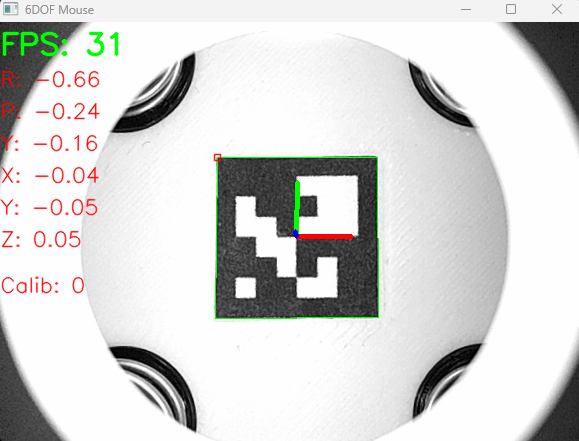
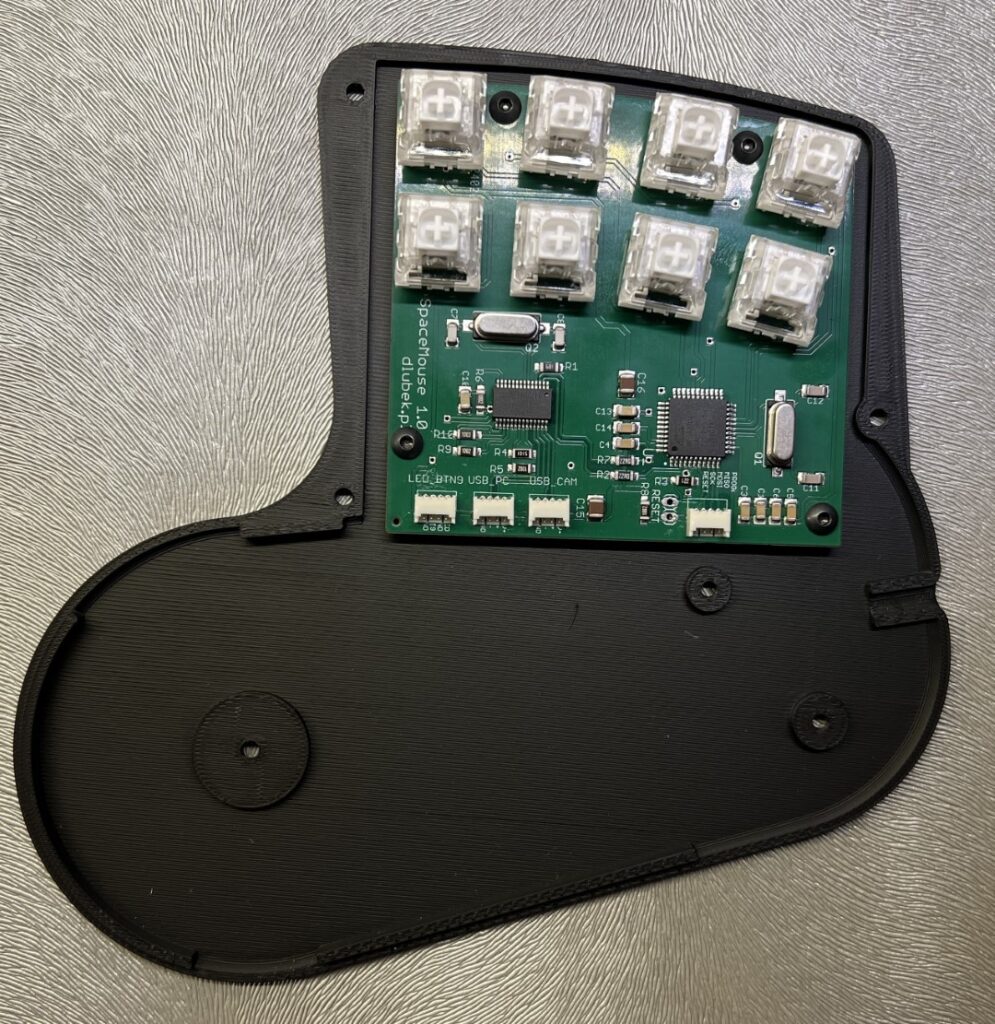
The device uses a built-in micro-camera and processes the image from it to estimate the sensor’s position in a Cartesian coordinate system while simultaneously performing Euler angular transformations. In simpler terms: we move the knob, and everything shifts and rotates according to our wishes 🙂
Equipment
Depending on the currently selected preset, the manipulator can simultaneously generate HID data (pretend to be a joystick or gamepad), emulate key presses on the keyboard (and any combinations of them), as well as mouse movements (x, y, scroll) and mouse button clicks/presses. This provides virtually unlimited possibilities for controlling various programs on the computer. The examples of presets included with the software allow for the integration of the 6DOF manipulator with different applications.
Various levels of integration are possible, from the simplest, where the device simultaneously emulates a mouse and selected keyboard keys (e.g., mouse movement while simultaneously pressing LMB + SHIFT). Such simple integrations already allow for work in CAD software, convenient manipulation of images or maps (e.g., Google Maps). The 6DOF manipulator software also includes an example of advanced integration with Autodesk Fusion 360, where the manipulator controls the visualization of the created spatial object in six degrees of freedom using the Fusion 360 API.
Software
The main advantage of this manipulator is the ability to independently modify the software to suit your own needs. When purchasing the 6DOF manipulator, in addition to the device itself, you receive:
1. Firmware source code, which allows you to modify the embedded software of the device. This enables you to define the behavior of the device when moving its axes and pressing buttons. The device works simultaneously as a HID (joystick, gamepad), keyboard, and mouse. Therefore, the possibilities for integration are unlimited. The firmware source code is compatible with Arduino, making it accessible even for those who are not familiar with programming.
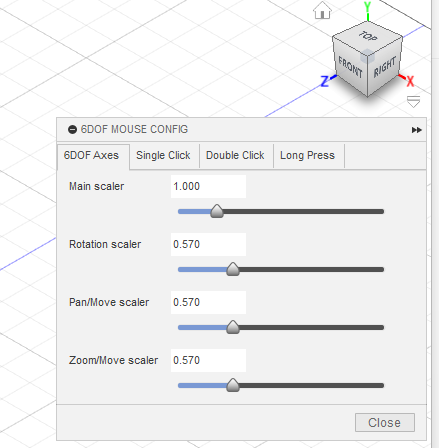
2. Executable software and source code in Python for PC. This part of the software is responsible for configuring the sensor (including sensitivity and calibration) and controlling the presets.
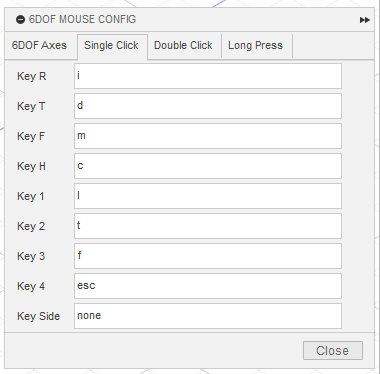
3. A ready-made AddIn along with source code for deep integration with Fusion 360. This makes the device immediately ready to comfortably support CAD work in F360. The included source codes (in F360 API Python) allow for potential modifications of the AddIn. The module enables smooth operation in 6 degrees of freedom and defines 24 quick access buttons for functions. These can be keyboard shortcuts used in F360 or a quick selection of views of the designed object. This significantly speeds up the design process, allowing you to work practically without lifting your hands off the mouse (left hand on 6DOF, right hand on a classic one). Each button on the manipulator can be assigned three alternative functions: for a single press, double press, and long press. The firmware also allows for the definition of a so-called multi-click.
The provided source codes are written in a way that is as understandable as possible for anyone interested in modification. There are no complicated developer showcases, twisted loops, etc. The intent was for the code to be understandable, not beautiful. 😉
If you do not know how to or do not want to program, and the provided preset package is insufficient for you, I can assist with the integration with your system/software.
Application in CAD - Fusion360
Medical software application - CancerCenter.AI
Google Maps integration